

Become Inspired
Do a search for any topic to find content that inspires your project based learning plan. You can search by keyword, or by a phrase. You will get a list that labels project ideas as either “Final Project” or “Project Inspiration.” Here are the descriptions of each:
Final Project

Videos that describe a final product, like “How to build a rocket”, or “How to Create a Suspension Bridge”. Your project-based learning plan will be developed backwards from the final project.
Project Inspiration

Videos that inspre you about a particular subject, like “Mars Exploration”, or ” Understanding the Color Wheel”, Your project based Learning Plan will be developed based on the Video topic.
Now, take a moment to think of some idea or concept that you want to use as inspiration for a project based learning plan. Remember, you can use just keywords (examples: Oceans, Trees, plants, space) or you can use phrases (examples: martian exploration, human anatomy, life cycle of butterfly, etc.)

Copy and Paste URL
2a)
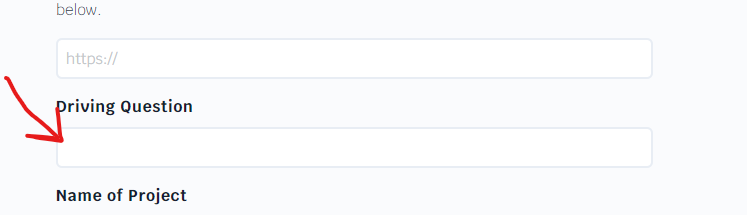
When you have found a driving question that you like, copy that URL and paste it in the box that asks for your driving question in Step 3 below. When finished go to step 2b.
2b)
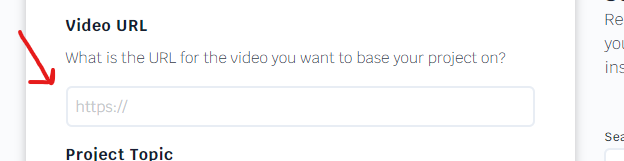
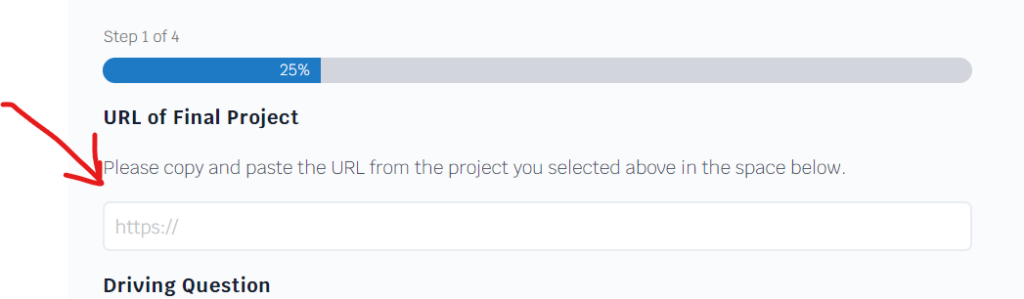
Now copy that same URL and paste it in the box that asks for your project URL in Step 5 below. When finsihed go to Step 3 to find your driving question.

Select Driving Question
Now we will select your driving question! Your driving question will be the glue that holds your project together, We want to make sure we select one you like! Fill out the form below, then go grab a drink if water and come back in about 5 minutes. You will find a list of potential driving questions you can use below! Se
[gravityform id=”75″ title=”false”]
Select the Best Question for your project
Read the examples below of potential driving questions and select one you like.
[gravityview id=’74040′]

Copy and paste Driving Question
When you find the driving question that you like, copy it and paste it in the box that asks for your project URL in Step 5 below.

Fill Out Form
[gravityform id=”69″ title=”false” description=”false” ajax=”true”]

Review Project Outline
Please Read over the project outline. If you like it select yes, if you would like it modified select no below
[gravityform id=”73″ title=”false” description=”false” ajax=”true”][gravityview id=’73877′]

Create Final Project
Paste the project outline from above here ( we will do this for them)
[gravityform id=”77″ title=”false” description=”false” ajax=”true”][gravityview id=’73877′]